
Get the ultimate ZArchiver experience! This comprehensive review covers how to download and use the best free Android file archiver. Manage Download now for …
Honestly, I didn't expect the app to be this good. For years, I struggled with managing compressed files on my Android phone. I remember a particularly frustrating afternoon trying to extract a multi-part RAR archive, juggling between clunky file managers and half-baked archiver apps that either crashed or simply couldn't handle the format. It was a cycle of installation, disappointment, and uninstallation, making me wish for a desktop-level solution on mobile.
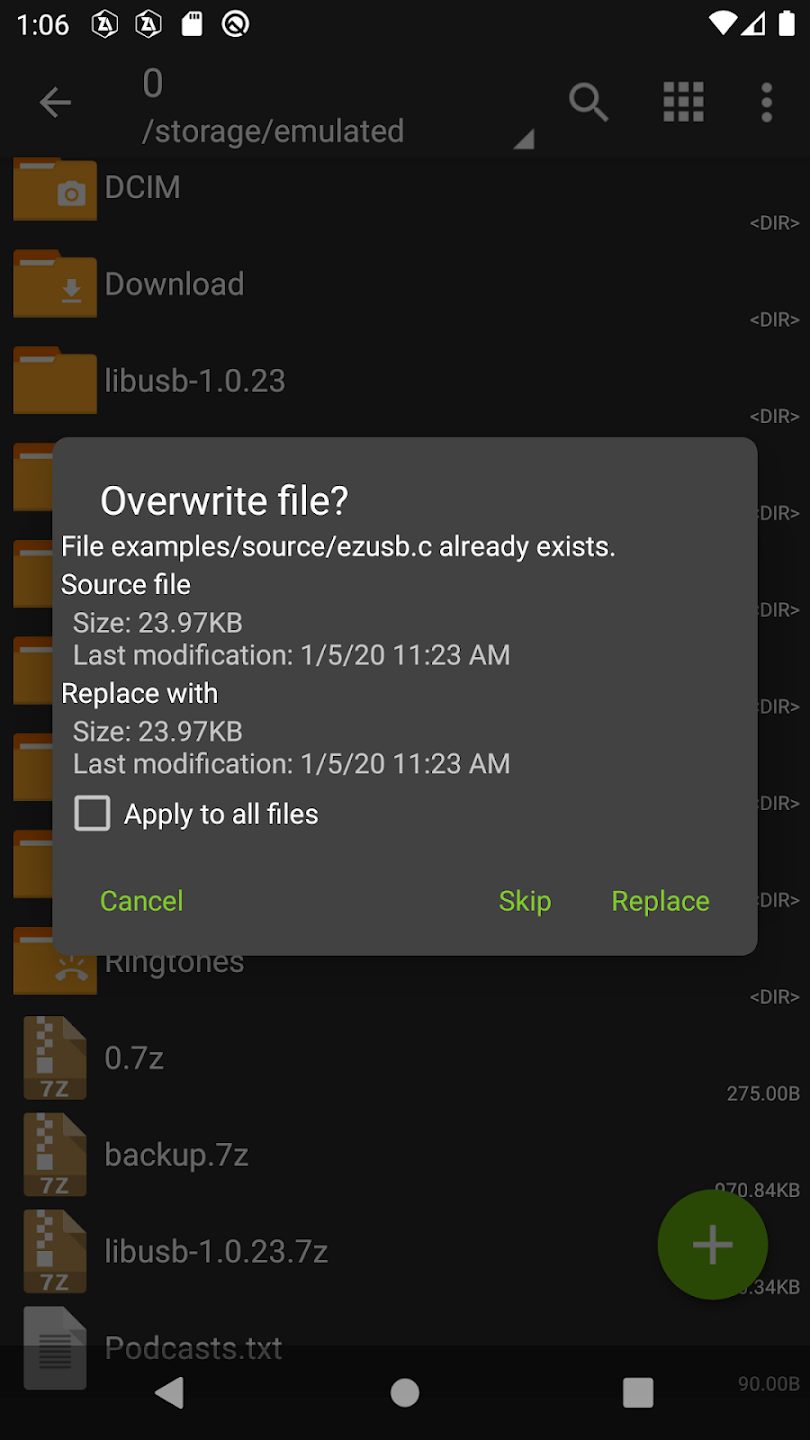
Then, someone suggested ZArchiver. I downloaded it, skeptical, expecting another mediocre experience. But believe me, the transformation was immediate. Within minutes, I had that stubborn RAR file open, contents extracted to the correct folder, all without a single hiccup. It felt like finally finding the right tool after years of making do with a hammer when I needed a screwdriver.
Key Features of this File Archiver
ZArchiver isn't just a basic unzipping tool; it's a comprehensive file archiver for Android. From experience, I can tell you it handles pretty much anything you throw at it.
Advanced Compression and Decompression with ZArchiver
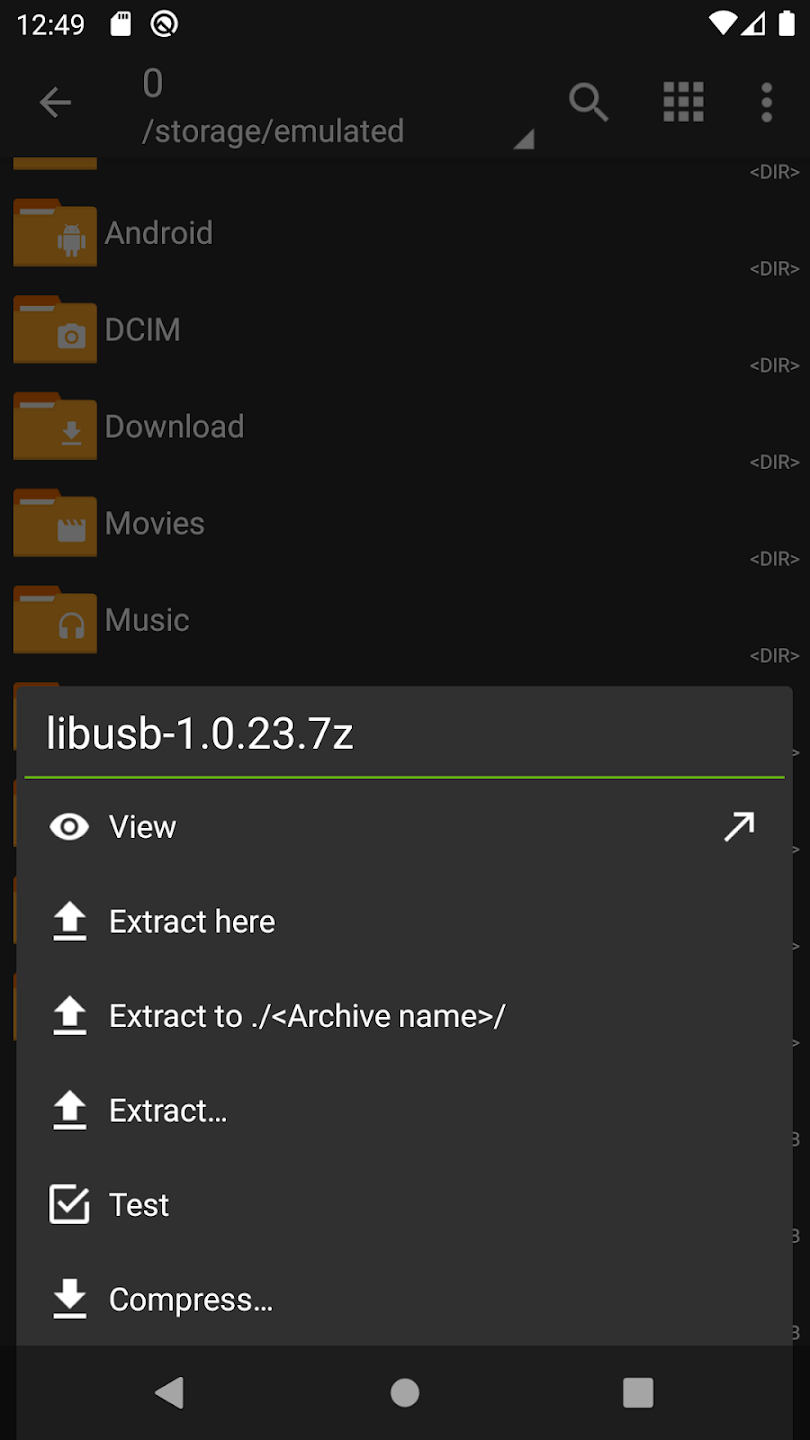
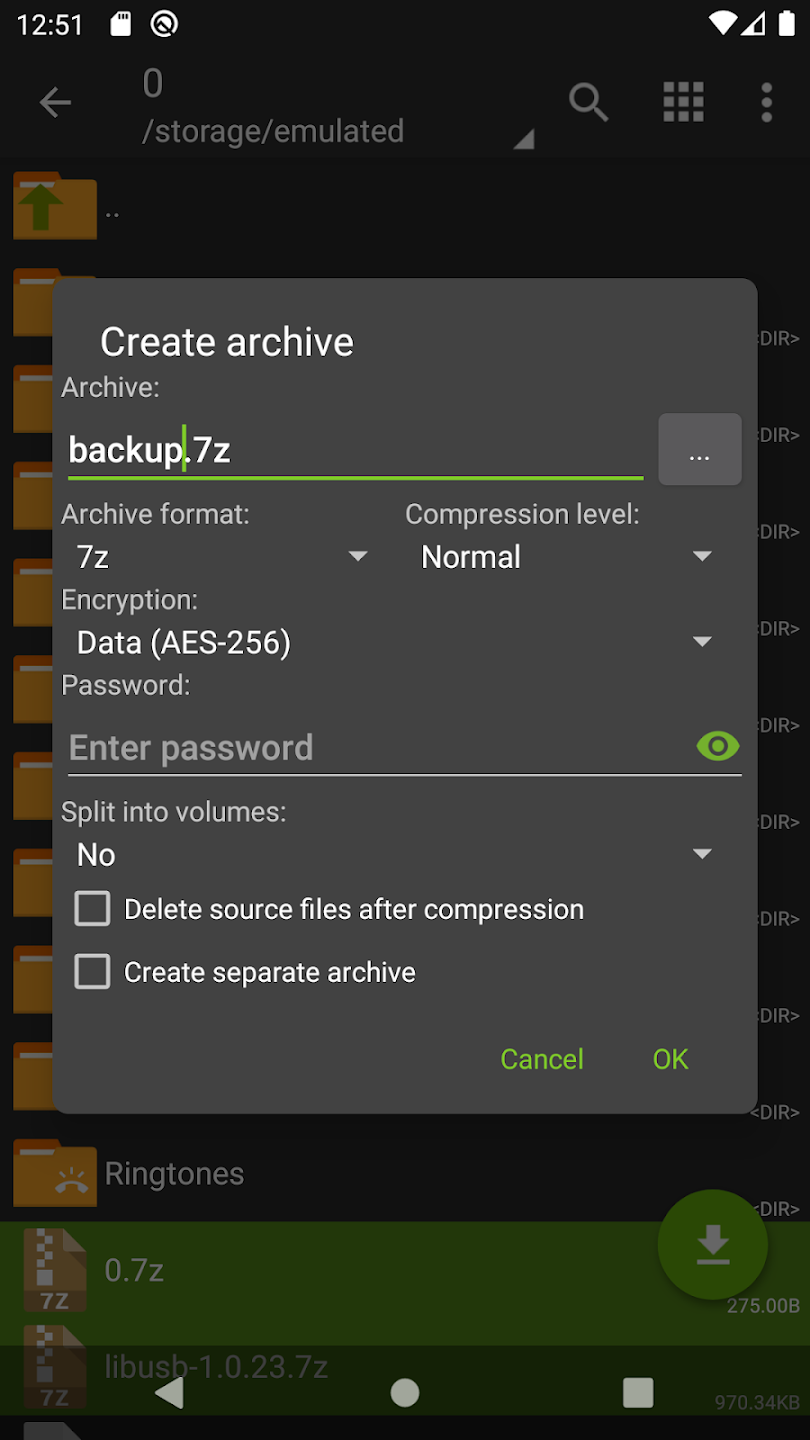
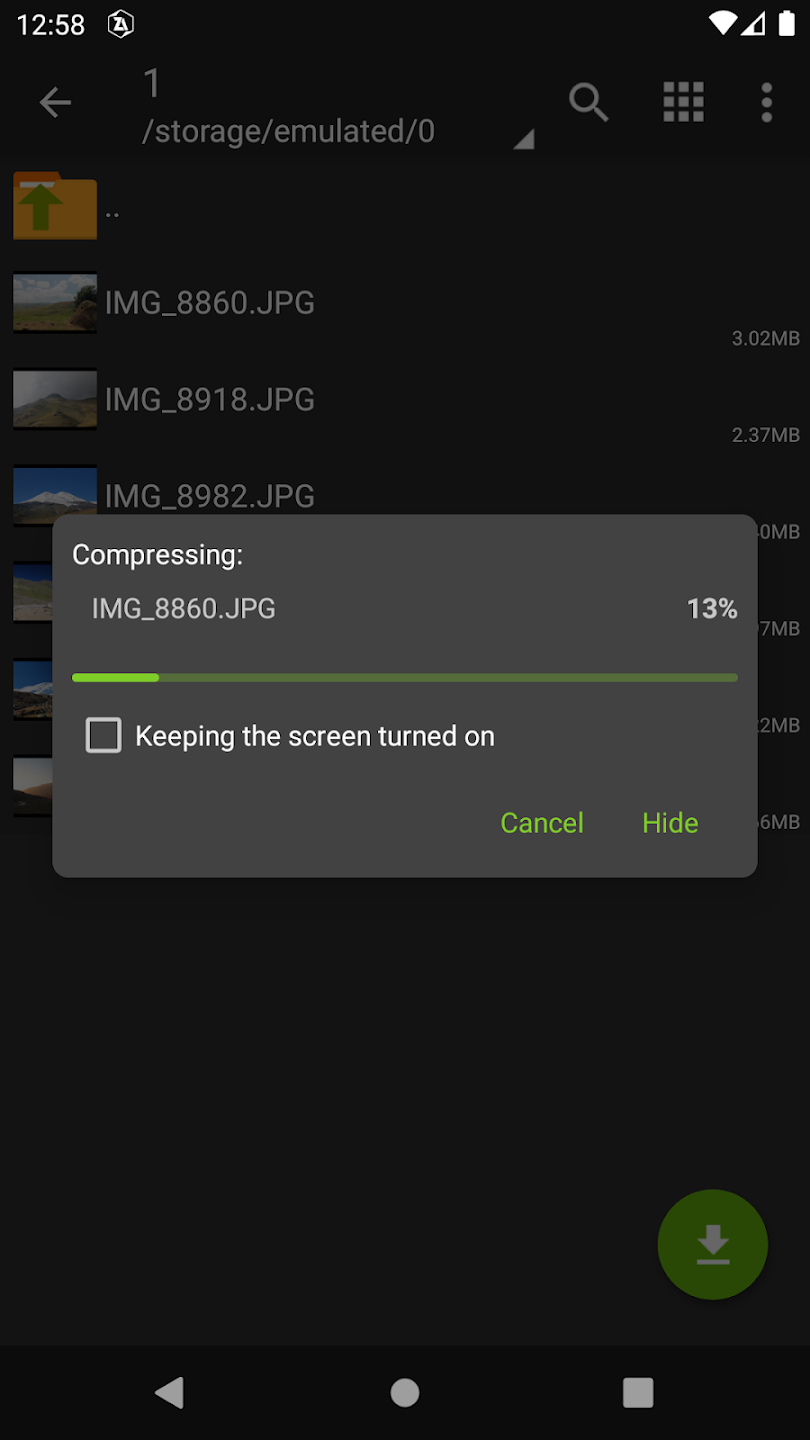
This app supports a vast array of archive formats. You can create 7z (7zip), zip, bzip2 (bz2), gzip (gz), XZ, tar archives, and even password-protected zip and 7z files. For decompression, the list is even longer, including RAR, ISO, ARJ, LZH, CAB, and many more. It's incredibly versatile, especially if you deal with various file types coming from different sources.
Intuitive File Management Capabilities
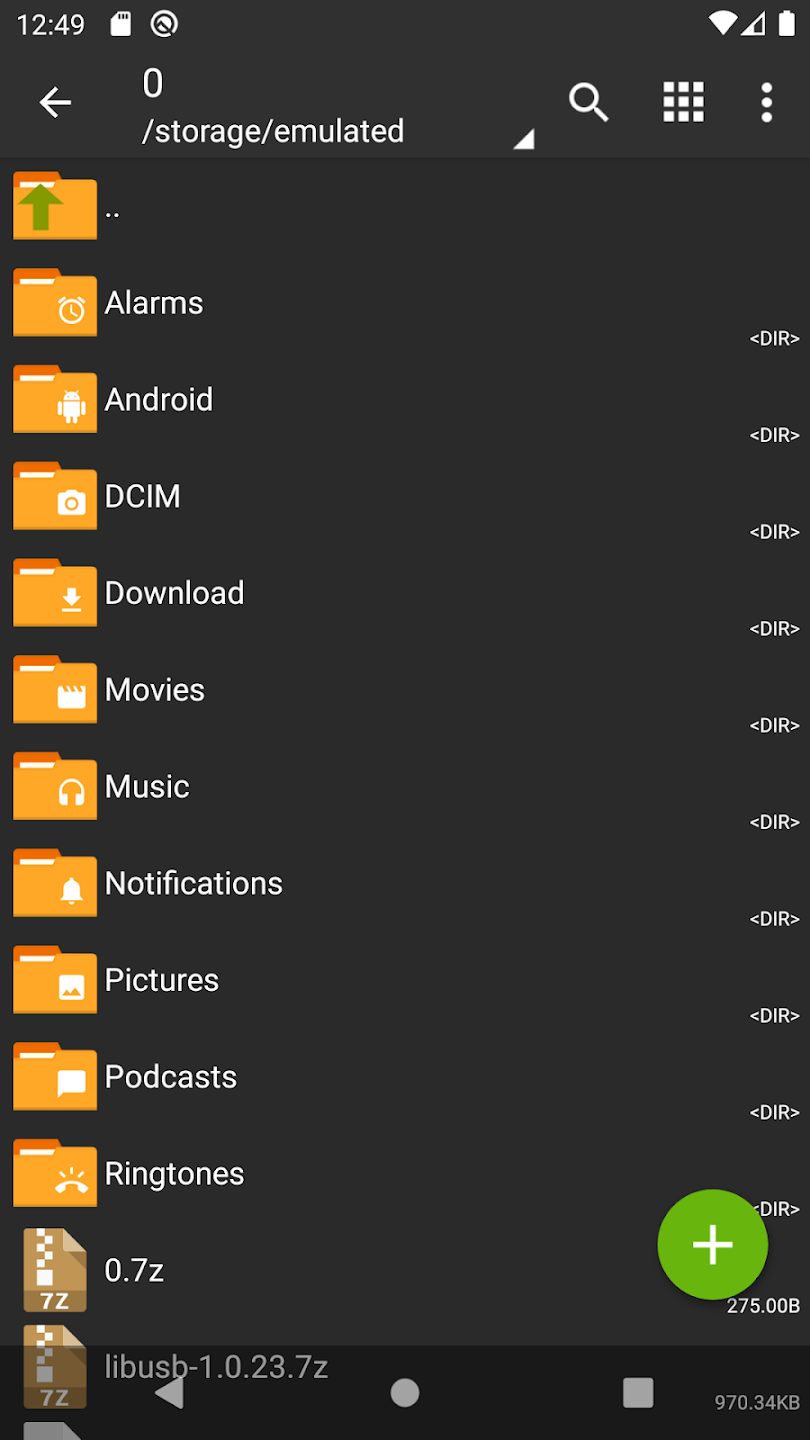
Beyond just archiving, ZArchiver also serves as a capable file manager. You can copy, delete, rename, and move files and folders directly within the app. This integration means you don't have to switch between multiple apps just to manage your extracted content, streamlining your workflow significantly. For everyday file organization, it’s remarkably practical.
Multi-threading Support for ZArchiver Operations
One feature I really noticed is its efficiency, especially with larger files. ZArchiver leverages multi-threading, which means it can utilize multiple CPU cores for faster compression and decompression. This translates to quicker operations, saving you precious time, unlike some simpler utilities that chug along. It certainly outpaces many competitors in speed.
Password Protection and Archive Splitting with ZArchiver
Security is a big deal, and ZArchiver understands that. You can create password-protected archives, which is essential for sensitive data. Additionally, it supports creating and decompressing multi-part archives, perfect for when you need to break down very large files into smaller, more manageable chunks for sharing or storage. This level of control is something often missing in other mobile tools.
A Balanced View: Pros and Cons of ZArchiver
No app is perfect, but ZArchiver comes pretty close for what it sets out to do. Here’s a quick look at its strengths and a few considerations.
Strengths of ZArchiver
The biggest strength is its sheer compatibility and reliability. It just works, handling almost every archive format you'll encounter on a mobile device without fuss. It’s also incredibly lightweight and doesn’t hog your device's resources, unlike some background processes or heavy applications such as Extreme Car Driving Simulator. The user interface, while functional, is clean and easy to navigate once you get the hang of it, prioritizing utility over flashy design.
Considerations for ZArchiver Users
While the interface is functional, it might appear a bit utilitarian to some users who prefer more modern, visually-driven designs. It's not as flashy as a dedicated media viewer or a game like Block Puzzle. Also, while it offers basic file management, it's not designed to replace a full-fledged File Manager: Organize, Clean & Secure Your Android Files for deep system exploration or network drive access. Its primary focus remains on archiving, and it excels there.
How Does It Compare? ZArchiver vs. Other Archiving Tools
When you're looking for a file archiver, you have options. But from my perspective, ZArchiver stands out. Let's stack it up against some common alternatives you might encounter.
| Feature | ZArchiver | RAR (Official) | WinZip | Solid Explorer (File Manager with Archiving) |
|---|---|---|---|---|
| Primary Function | Dedicated Archiver & Basic File Manager | RAR Archiver & Basic File Manager | Archiver, Cloud Integration | Advanced File Manager with Archiving |
| Supported Formats | Extensive (create/extract most) | Excellent (RAR, ZIP create; many extract) | Good (ZIP, LHA create; many extract) | Good (ZIP, 7ZIP create; many extract) |
| Ease of Use | Simple, direct UI | Straightforward | User-friendly, but can be feature-heavy | Feature-rich, requires some learning |
| Ads/Premium Features | Free, ad-free experience | Free with ads (removable via premium) | Free with ads, premium for full features | Paid app with free trial |
| Interface Modernity | Functional, clean | Functional | Modern | Modern, customizable |
As you can see, ZArchiver offers a compelling package, especially for its completely free and ad-free nature. While some file managers like Spider Solitaire for Android or dedicated document readers like Adobe Acrobat Reader: Edit, View & Sign PDFs on Android Free focus on specific tasks, ZArchiver brings robust archiving capabilities without unnecessary bloat. It's truly a no-nonsense tool that delivers exactly what it promises, making it a reliable choice over more complex or monetized alternatives.
Get It Now: Download ZArchiver
If you're tired of struggling with archives on your Android device, it's time to give ZArchiver a try. It’s completely free and offers a remarkably powerful solution.
You can download ZArchiver directly from the Google Play Store:
Or visit the link directly: https://play.google.com/store/apps/details?id=ru.zdevs.zarchiver&hl=en_US&gl=LA.
Common Queries about ZArchiver
ZArchiver's Compatibility Across Android Devices
From what I've seen and used, ZArchiver is highly compatible with a wide range of Android devices, from older versions to the latest releases. Its lightweight design ensures it runs smoothly without demanding excessive system resources. You won't face issues even on devices with modest specifications.
Is ZArchiver Really Free?
Yes, absolutely. ZArchiver is genuinely a free application. There are no hidden costs, no in-app purchases to unlock essential features, and refreshingly, no intrusive ads. This commitment to a free and clean user experience is a major reason why I recommend it so highly.
Handling Corrupted Archives with ZArchiver
While ZArchiver is robust, some archives can be corrupted due to various reasons during download or transfer. In such cases, ZArchiver will usually inform you of the corruption. While it can't magically repair severely damaged files, it often provides helpful error messages that can guide you on the issue. For truly corrupted files, sometimes re-downloading the original archive is the only solution.
Final Verdict on ZArchiver
In the vast landscape of Android apps, finding a tool that does its job exceptionally well, without fuss or cost, is a rare gem. ZArchiver is precisely that. It's not just an archiver; it's the reliable workhorse you didn't know you needed, quietly taking care of all your compressed file needs.
If you're looking for a powerful, free, and incredibly versatile file archiver for your Android device, you owe it to yourself to download ZArchiver. Believe me, it will simplify your digital life significantly, just as it did for mine.
🔗 📱 Similar Apps You Might Like from Our Site



❓ Frequently Asked Questions about ZArchiver
❔ Is ZArchiver free?
Yes, ZArchiver is free to download and play. It may include optional in-app purchases to enhance the experience or obtain cosmetic items, but they are not mandatory to enjoy the core content.
❔ What are the system requirements for ZArchiver?
For the best experience, it is recommended to use a device with Android 8.0 or later, at least 4GB of RAM, and a powerful processor. The app may work on lower devices, but performance may be limited.
❔ Does ZArchiver require an internet connection?
Some features of the app need an internet connection, while basic functionality can work offline.
❔ Does ZArchiver support the English language?
Yes, ZArchiver fully supports English, including menus and in-app text, making it easier for users to immerse themselves in the experience.
❔ How can I update ZArchiver to the latest version?
ZArchiver is updated automatically via Google Play Store if you have enabled automatic updates. You can also visit the app page in the store and tap "Update" manually.
❔ What should I do if I encounter a technical issue in ZArchiver?
You can contact support via the app's page on Google Play Store, or through the email provided in the app description. You can also share the issue in the user community for quick help.
✍️ Written by: Saif Al-Naimi | 📅 April 5, 2026
© 2026 All rights reserved.